
How to Search for a McMinn County Warrant
No official public McMinn warrant search was found. Start with the court named on the citation, summons, or notice. The Circuit Court Clerk handles county Circuit, Criminal, Sessions, Juvenile, Traffic, and Child Support dockets. A city ticket belongs to that municipality’s clerk. The Sheriff’s Office is a separate route for an existing law-enforcement record.
Write down the court, case or citation number, date, and the question you need answered. AOC’s county-of-origin guidance points warrant and arrest questions to the clerk where the case began. The public cannot use the Sheriff’s general phone line as a named-warrant lookup.
- Match the paper to its county, city, and court.
- Ask that clerk whether a docket entry or case copy is open.
- For a city ticket, use the municipal clerk’s official payment or court page.
- For a Sheriff-held record, describe an existing record on the TPRA form.
- For a federal case, use the Eastern District docket route and seek counsel for case-specific advice.
Ask what is filed on the known case and which court action is due.

The Circuit Clerk page lists its records and court schedule.
No Verified McMinn County Warrant Portal
The county and Sheriff pages inspected do not provide a public name-search form, active-warrant list, result table, update date, or downloadable roster. The Sheriff page says specific individual warrant information will not be provided by telephone to the public. Treat that as a firm channel limit.
The published phone number is a general office contact, not a promise of warrant confirmation. The jail’s automated line has separate functions for people already in custody, including posted charge, bond, and court information. It is not a way to test a possible warrant for someone who has not been booked.
For an actual case, identify the issuing clerk and ask what the court can release. A missing online result here means no public result page was verified, not that no record exists.
McMinn County Warrant Search Fields
There are no verified public warrant-search fields to walk through. The form below is the Sheriff’s existing-record request, which gathers details so staff can locate a record. It is not a database query and does not ask the Sheriff to certify a person’s current warrant status.
| Field Label | Type | Required | Notes |
|---|---|---|---|
| Record type | Description | Yes | Name the existing report, return, or other Sheriff record sought. |
| Dates or timeframe | Date range | When known | Give the relevant period instead of asking for every record. |
| Subject matter and keywords | Text | When useful | Add a known case number or exact record detail. |
| Request type | Choice | Yes | Inspection or copy; copy requests must be written. |
| Delivery | Choice | Yes | On-site, mail, electronic, or another stated method. |
The official Sheriff form also asks for requestor contact details, Tennessee citizenship, signature, and date. None of those fields returns a live warrant status. No name, birth-date, or warrant-number search controls were verified on an official county portal.
McMinn County Search Request Fields
Inspection and copying are different requests under the Sheriff’s policy. Inspection may be oral or written, with a reasonable appointment if needed. A copy request, or a request for inspection plus copies, must be made in writing on the Sheriff form. The form’s estimate waiver is optional.
For records that cannot be produced at once, the policy calls for a response within seven business days with availability, denial, or an estimated production time. That is a response window, not a guarantee of a warrant answer or a complete search across offices.
The Tennessee Office of Open Records Counsel explains the public-records process and the limits on creating records. Ask for an existing document with a type and date range. Do not ask the clerk to make a new statewide warrant list.
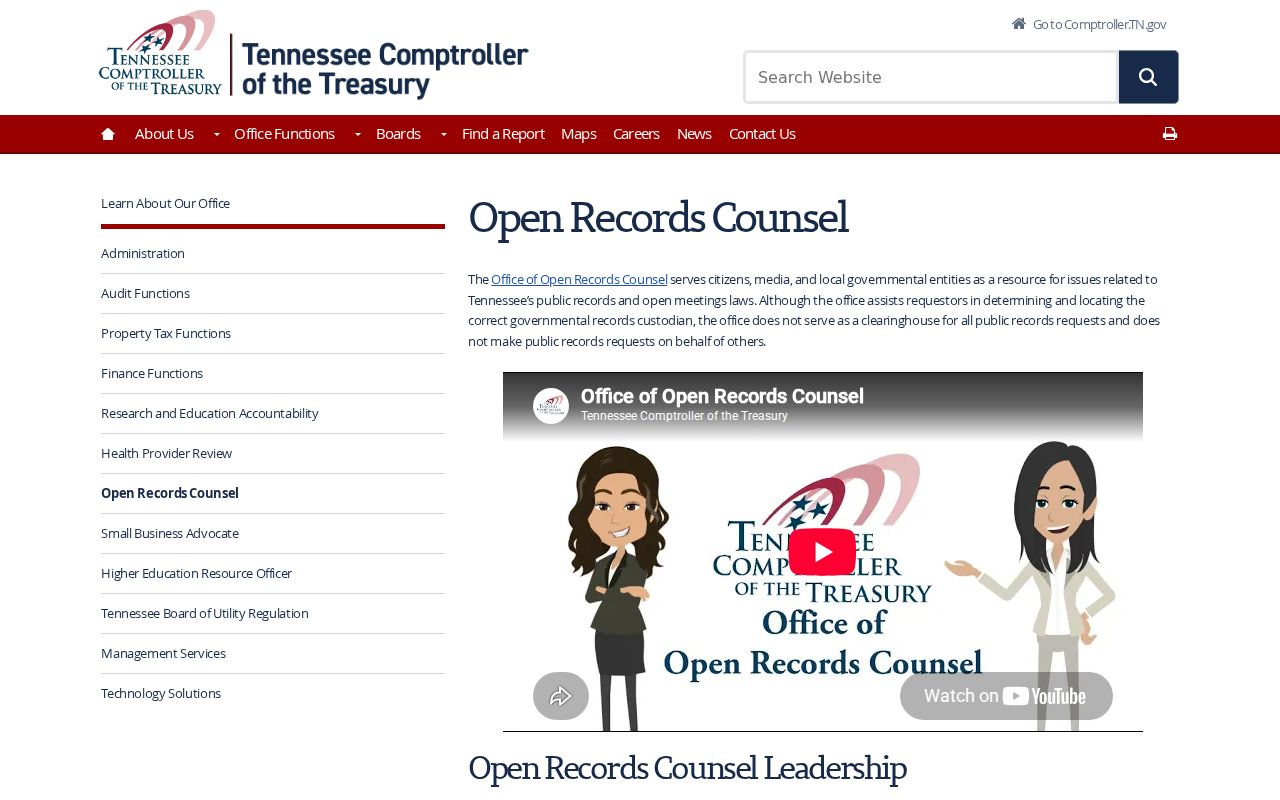
The state resource describes access to existing government records.
What a McMinn County Warrant Search Returns
Because no public county result screen was found, do not expect a standardized hit or an empty-result message. A clerk may direct a request to a docket or case file. A Sheriff request may produce only an existing agency record that is open for release. Court and law-enforcement entries can differ in scope and timing.
| Case number | Use the reference printed by the court. No countywide warrant number format was verified. |
|---|---|
| Process type | Rule 4 arrest warrant or summons, Rule 9 capias, or a local court entry. |
| Issuing court | Identifies which clerk controls the case file and next court step. |
| Charge or event | May show a complaint, offense, indictment, citation, or missed appearance. |
| Service or return | May show whether an officer returned or served the process. |
| Bond or date | Only when included in the public case record; no universal amount is posted. |
A number such as MC-CR-CASE is a teaching label only, not a verified local number. The Rule 34 access page describes the public presumption and exceptions for court files.
Ask the issuing clerk whether a later service, recall, or disposition entry has been made.
County, City, and Federal Warrant Routes
The Circuit Court Clerk is the county record route; a municipal clerk is the city route; and the Eastern District of Tennessee handles federal dockets. Tennessee has no verified single public statewide warrant search in this research. A license-reinstatement system is not a warrant database.
Use the municipality on the citation. Athens, Etowah, Englewood, and Niota publish payment or court-contact steps. Calhoun has no verified public online lookup. The county Sheriff may hold its own service or report record, but its phone policy bars specific named-warrant disclosure.
For federal cases, the PACER Case Locator can locate public docket material, but it is not a warrant-only search and sealed records may not appear. A county result cannot answer a federal question.
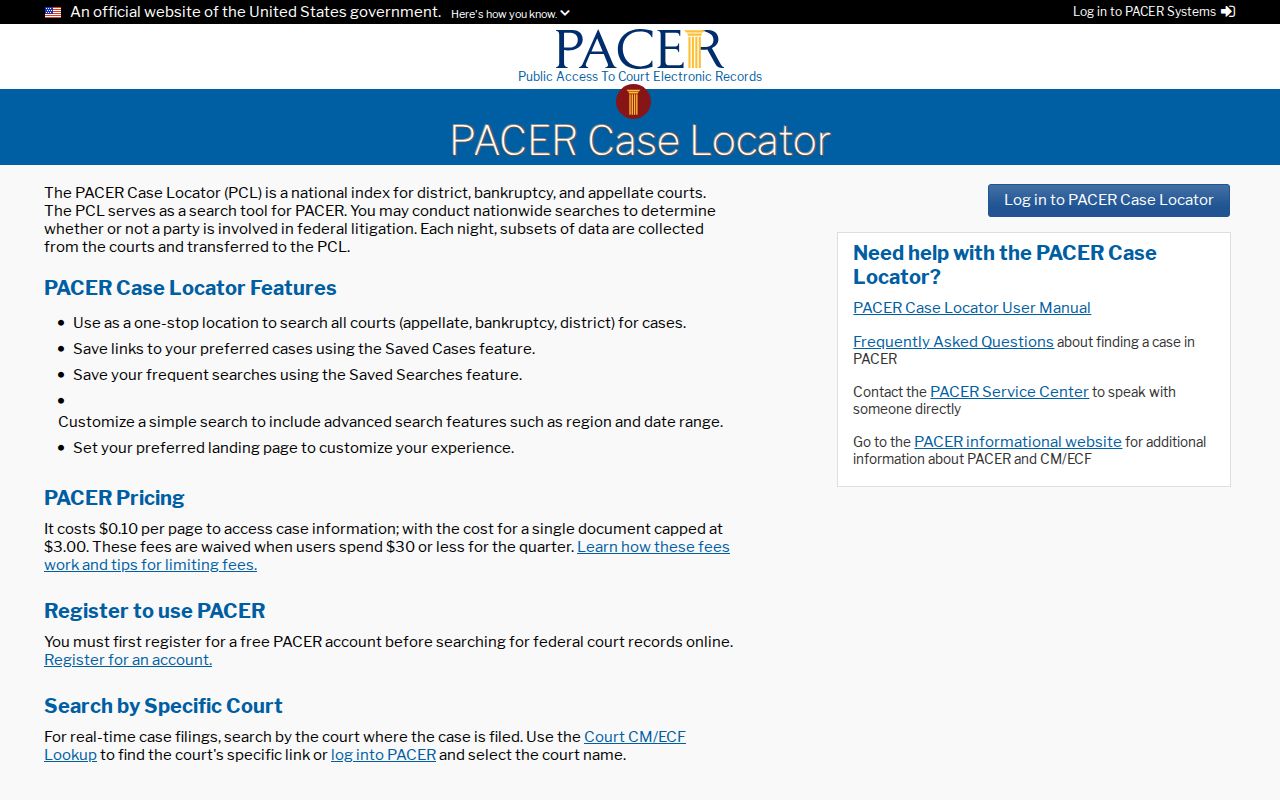
The federal locator is for federal case dockets, not a Tennessee warrant roster.
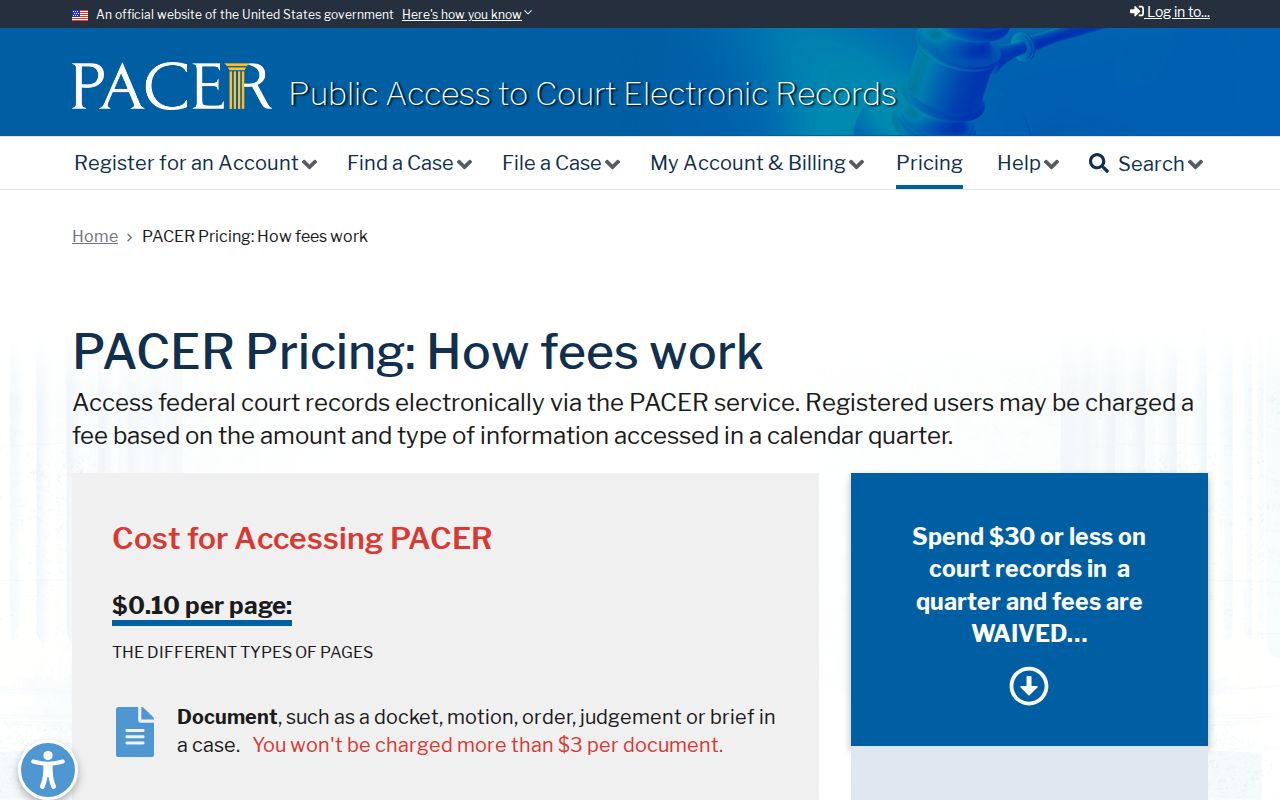
The PACER pricing page explains access fees and limits for federal docket documents.
Where McMinn County Warrants Are Checked
For county court status, contact the issuing clerk, usually through the Circuit Court Clerk’s office at the South White Street court complex. For city matters, contact the municipal clerk listed by the Tennessee Administrative Office of the Courts. For an existing Sheriff-held report or service record, use the Sheriff’s written records process.
There is no verified public statewide warrant portal. Tennessee’s driver reinstatement pages address reported failure-to-appear or failure-to-pay consequences, not a public county warrant index. A person already booked can use the jail information channel for its posted custody functions.
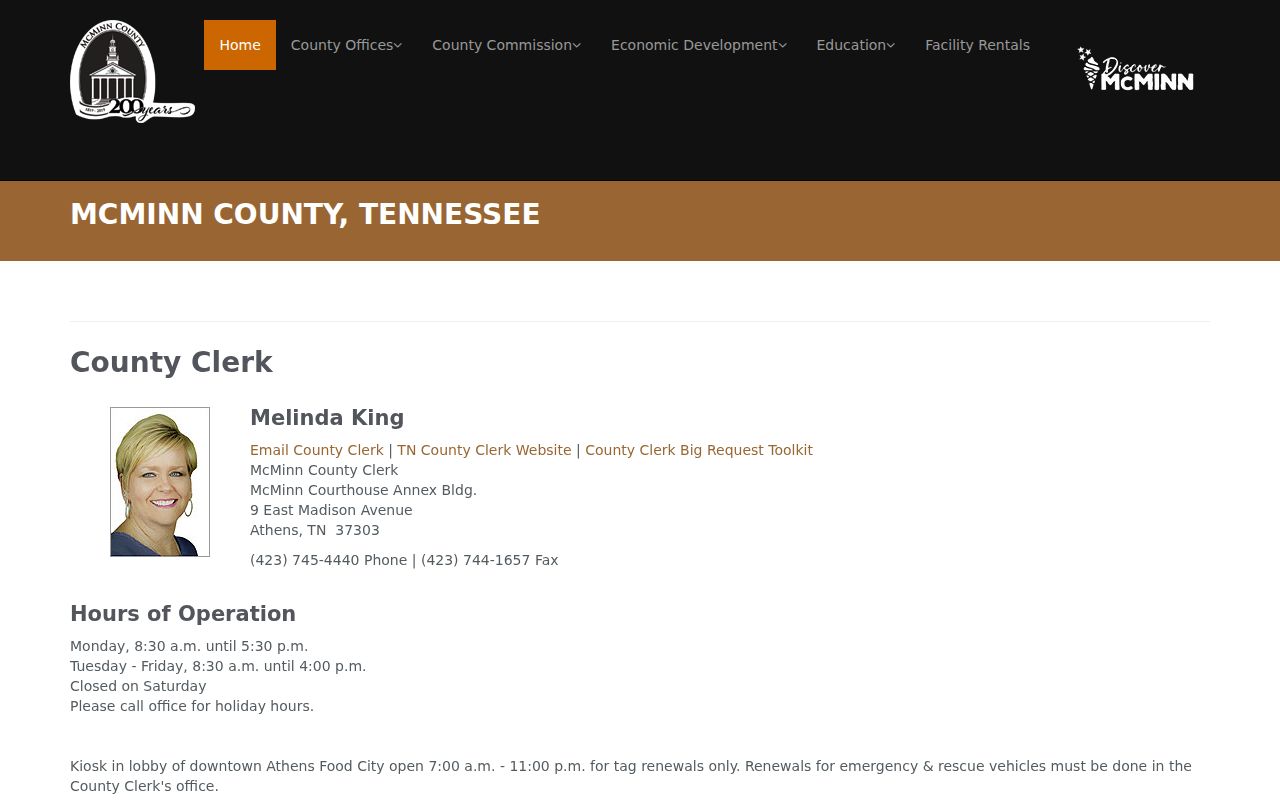
The McMinn County Clerk is a general county office. The County Clerk page helps distinguish that role from the Circuit Court Clerk’s criminal and court docket work.
McMinn County Warrant Clerk Rule
Tennessee’s court system directs warrant and arrest questions to the clerk in the county where the case began. That is especially useful when a person has moved, when a paper lists a city court, or when an old citation does not name the office clearly.
The AOC directory lists separate clerks for Athens, Calhoun, Englewood, Etowah, and Niota. A city clerk can answer for that city’s docket; the McMinn Circuit Court Clerk routes county matters. If the paper names a federal court, use the federal district instead.
The AOC clerk-finder page gives the county-of-origin instruction. Use its official listing to verify a current contact before sending a request.
The directory routes readers to the proper court clerk.
McMinn County Warrant Searches and Sealed Records
A public inspection may leave out a sealed indictment or capias, protected juvenile material, or information withheld under an applicable rule or order. Tennessee Rule 34 sets a public-access presumption for court records, subject to recognized limits. Juvenile access has its own rules and should not be promised to a general requester.
A sealed or restricted file may not be visible in the public docket until a court allows access. A clear result from one clerk, a payment vendor, or a state license page is not proof that another record does not exist.
If a record is withheld, ask whether a redacted copy or public docket entry is available and request the general basis. The court or public-records office can explain its own process; only the issuing court can change the case.
Access and Restricted Warrants
Tennessee’s Public Records Act concerns existing government records, while court files follow Supreme Court Rule 34. Neither rule means every field or process item is open in full. Seals, juvenile confidentiality, protective orders, and other recognized exceptions can limit inspection or require redaction.
Key Rules:
TPRA covers existing open records, not a request to create a new warrant list.
Juvenile Rule 114 sets special access limits for protected juvenile proceedings.
Rule 9 material can remain sealed until service; a missing public entry is not proof that no process exists.
Ask the court or agency that holds the record whether public portions can be released. Do not rely on a third-party payment page to confirm a warrant.